Facebook Messenger Auto Reply: A Practical Guide for Page Owners
11/15/2026
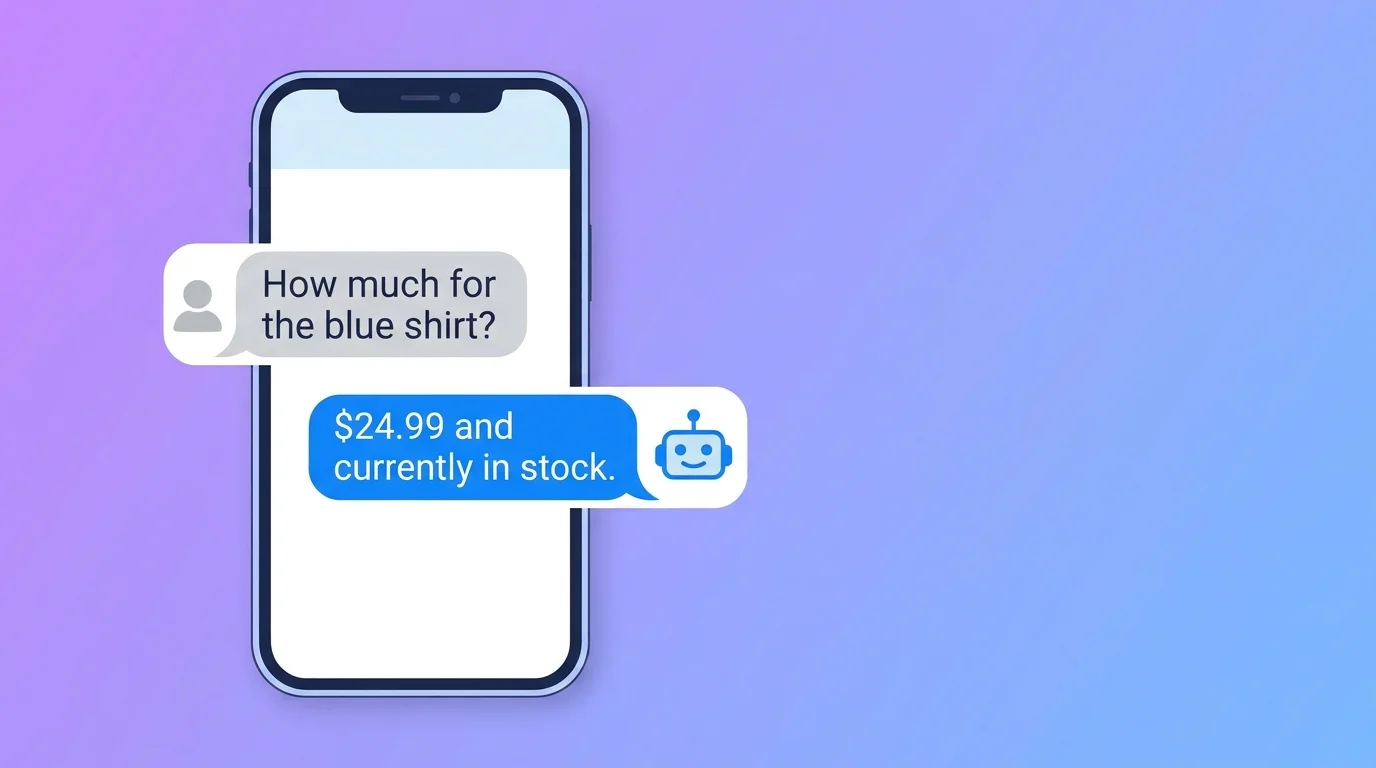
If you run a business with a Facebook Page, you know the pattern. A customer messages at 11 pm asking "price?" or "is this available?". By the time you reply the next morning, they have already bought from someone else. This is exactly the problem Facebook Messenger auto reply is designed to solve for busy Page owners.
Facebook Messenger auto reply is meant to close that gap. Used well, it answers routine questions right away and leaves you free for the conversations that need a real person.
This guide explains how it works, what to automate, what to keep human, and the mistakes that make automated replies feel cold.
How Facebook Messenger auto reply works
When someone sends a message to your Page, a tool can respond for you in seconds instead of hours. Meta also explains the basics of managing Page messages in its Business Help Center.
The reply can be a fixed text, or it can be written by AI based on the information you give it. The second option is much more useful, and it is where most Page owners see the biggest change.
Two kinds of auto reply
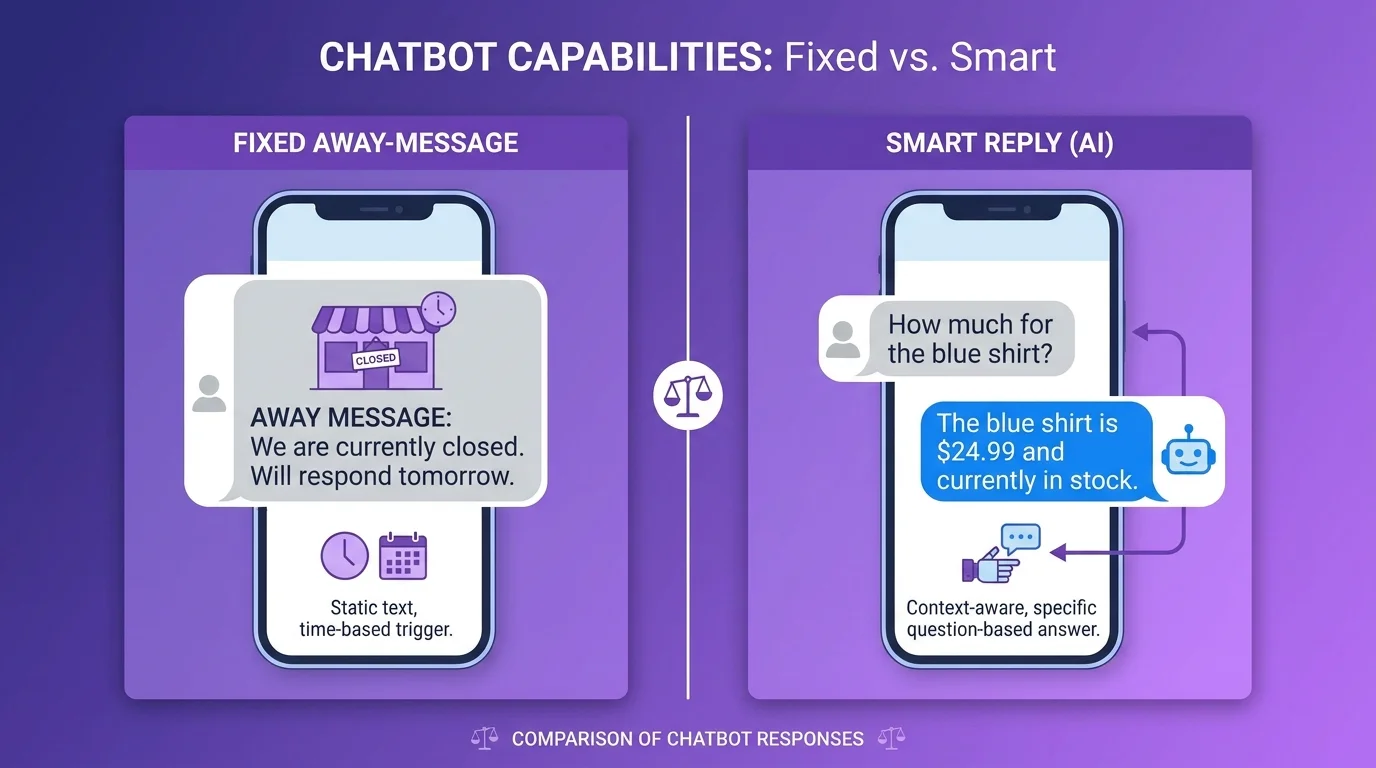
Away messages. A fixed text that goes out when someone first messages you, such as "Thanks for contacting us, we will reply within an hour." It is simple, but it does not answer anything.
AI-generated replies. The system reads the customer's message and writes a relevant answer using the information you provided, such as your products, prices, delivery areas, opening hours and policies. The customer gets an actual answer, not just an acknowledgment.
The quality of an AI reply depends almost entirely on the information behind it. If your price list is vague or out of date, the replies will be too.
What to automate first
Start with the questions you answer ten times a day:
Price and availability of common products
Opening hours and location
Delivery areas, delivery time and charges
Payment methods
Return or exchange policy
How to place an order or book a service
Write these answers down in plain language before you set anything up. If you struggle to write a clear answer, customers are probably confused too, and it is worth fixing on your Page.
What to keep human
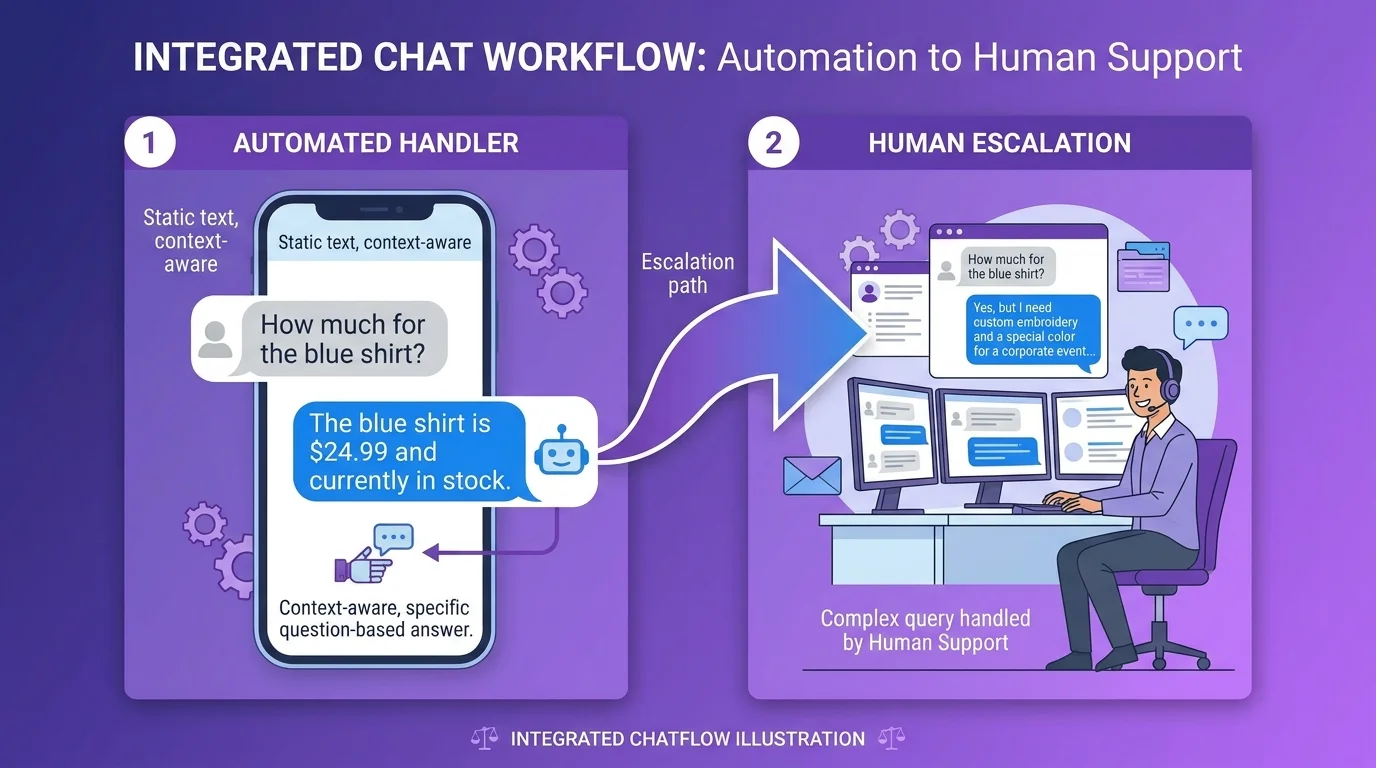
Not every message should be handled by AI. Keep a person in the loop for:
Complaints and upset customers
Refund or payment disputes
Custom or high-value orders where negotiation matters
Anything sensitive or unusual
A good rule: automate questions that have one correct answer, and hand off anything that needs judgment or empathy. Make it easy for customers to reach a person, for example by telling them your team will step in when needed.
Five habits that stop replies from sounding like a robot
Match your brand voice. If you normally write in a friendly, casual way, do not let automation sound like a legal notice.
Use the language your customers use. Many customers in Bangladesh write in Bangla or mixed Banglish, so make sure your replies handle the language your customers actually write in.
Keep answers short. Messenger is a chat, not an email. Two or three short sentences beat a long paragraph.
End with a next step. A line like "Would you like me to reserve one for you?" keeps the conversation moving.
Review real conversations every week. Read what the AI said, spot wrong or awkward answers, and update the information you gave it.
How Inbylo handles Facebook Messenger auto reply
Inbylo's AI auto reply for Facebook Pages answers customer messages using the business information you add, in Bangla and English. Your team can still read every conversation and reply personally from the Facebook Page inbox.
It is built with small teams in mind. If you run a shop or service on Facebook, see how it fits small business workflows, or read the page for Facebook Page owners.
A simple setup checklist
List your top 10 customer questions
Write a clear, short answer for each
Decide which topics must go to a human
Test the replies yourself before going live
Check conversations every week and refine
Frequently asked questions
Is Facebook Messenger auto reply the same as an away message?
No. An away message is a fixed text. An AI auto reply reads the customer's question and answers it using your business information.
Can it reply in Bangla?
Yes. Inbylo's AI auto reply works in Bangla and English, so customers can write in the language they are comfortable with.
Will customers know they are talking to automation?
You do not need to announce it in every message, but never pretend an automated reply is a named staff member. Honest, short and helpful replies build more trust than a perfect imitation of a person.
What should I do first?
Pick your five most repeated questions, write clear answers, test them yourself, and switch on automation for those only. Expand once you trust the replies.
Facebook Messenger auto reply will not replace good customer service, but it can make sure no customer is left waiting in silence. Start small, automate the repetitive questions, and keep the human touch where it counts.