Facebook Post Scheduler: How to Plan a Week of Posts for Your Page
11/15/2026
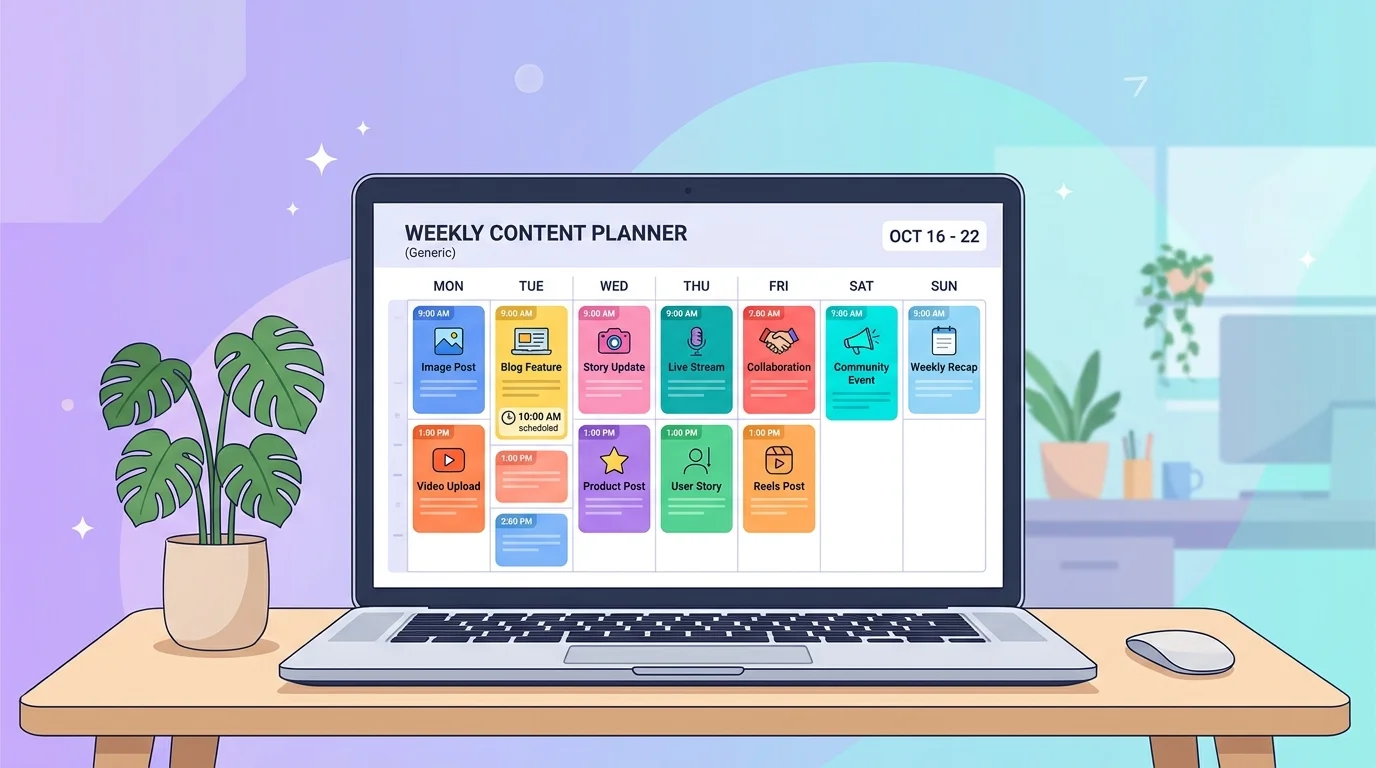
If you run a business with a Facebook Page, posting every day by hand does not last long. A Facebook post scheduler fixes that by letting you write your posts once and publish them automatically at the times you choose.
This guide explains what a Facebook post scheduler does, how to plan a full week of posts in one sitting, and which mistakes to avoid.
What a Facebook post scheduler actually does
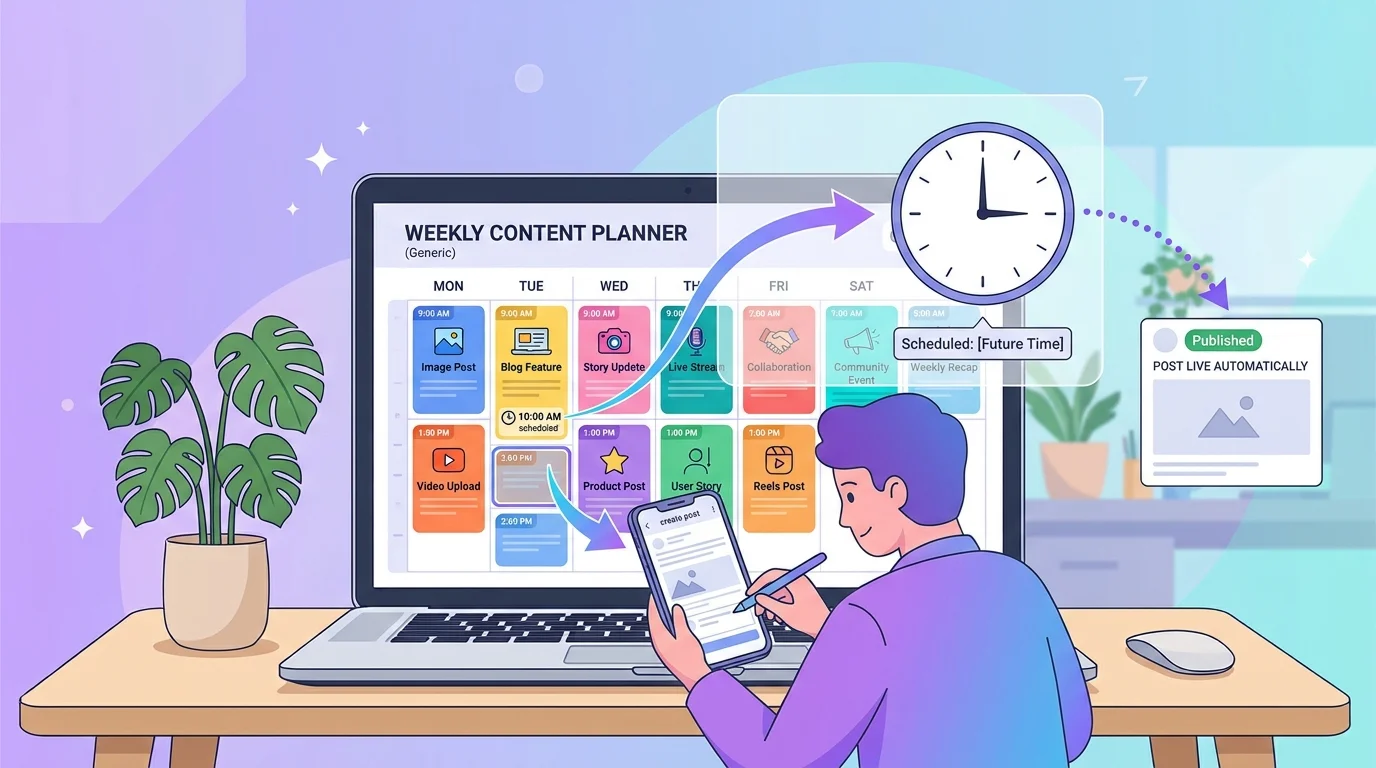
A scheduler lets you write a caption, attach a photo or design, choose your Page, and pick a date and time. The tool then publishes the post for you.
The real benefit is not only saved time. It is consistency. Pages that post on a steady rhythm give followers a reason to come back, and batching your work means less switching between tasks.
Meta also offers its own free tools for Page owners. You can read about them in the Meta Business Suite overview, and compare what you need before choosing.
Why batching beats posting every day
Most small business owners post when they remember. That usually means three posts one week and nothing the next.
Batching means one fixed work session per week. You decide the themes, write the captions, prepare the pictures and schedule everything together. You stay in the same mindset, so it is faster and the posts feel more connected.
A simple weekly routine for your Facebook post scheduler
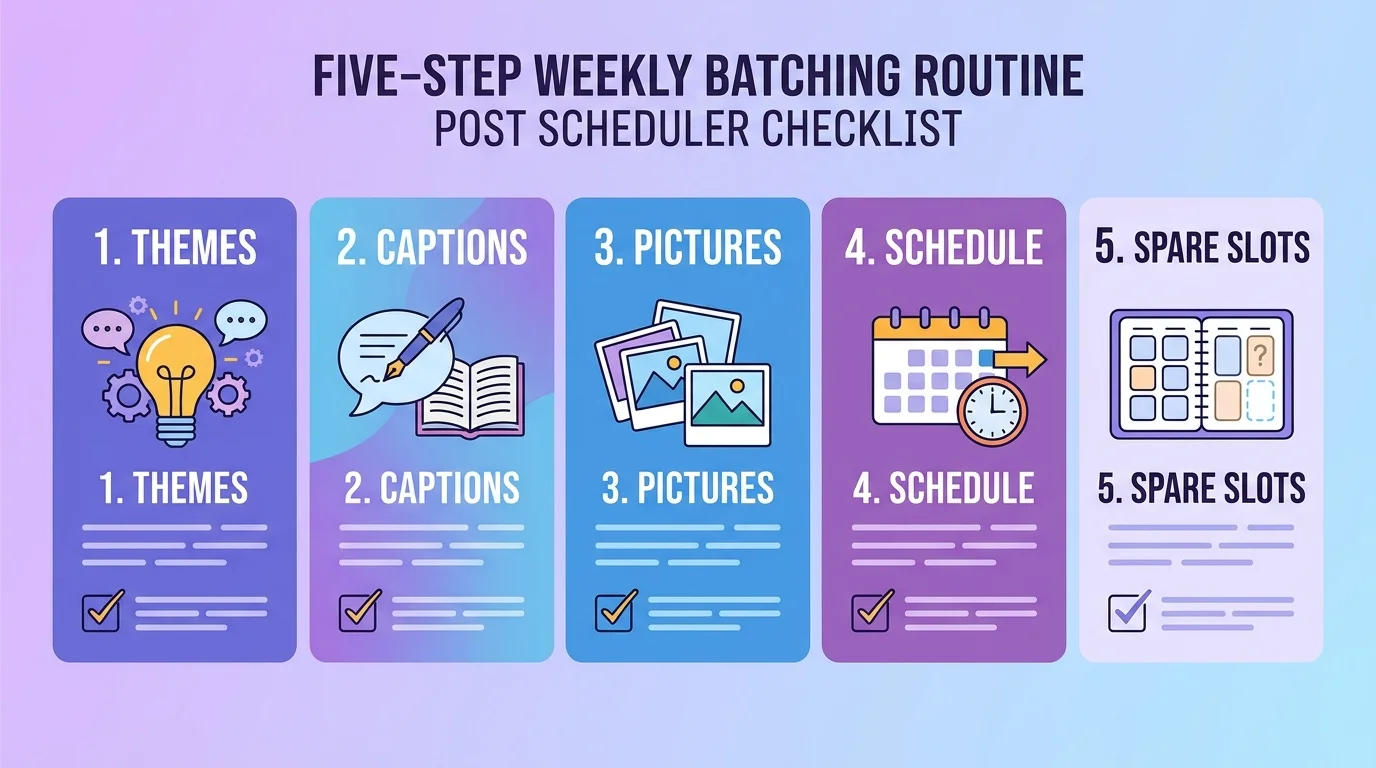
Pick one block of 60 to 90 minutes, same day each week. Treat it like a meeting. Then work in this order:
Choose two or three themes. For example: product highlights, customer questions answered, and behind-the-scenes moments.
Write all captions in one go. Keep them short and add one clear next step, such as "Message us to order".
Prepare the pictures together. Build one template with your logo and colors, then swap the photo and text for each post.
Schedule the whole week. Pick the date and time for each post.
Leave one or two empty slots. Keep room for things you cannot plan: a customer photo, a festival greeting, a sudden restock.
How to choose the best time to post
Generic "best time to post" charts average millions of accounts that have nothing to do with yours. Your own Page insights are a better guide.
Check when your followers are online, try two or three time slots for a few weeks, and keep the slots that bring more comments and messages, not just likes.
If you sell in Bangladesh, habits change around Ramadan, Eid shopping and Pohela Boishakh. Schedule those campaigns early, but review the timing when the season starts instead of assuming last year's slots still work.
What not to schedule
Scheduling is great for evergreen and planned content. It is a bad idea for anything time-sensitive.
Stock or price posts that may be out of date by the time they go live
Jokes or promotions near sensitive news or a public tragedy
Anything that needs you to reply quickly, if nobody will be around to answer
A scheduled post still brings real comments and messages. If you post at 9 pm and a customer messages at 9:05, the reply is still on you. Our guide to Facebook Messenger auto reply shows how to handle those messages without sitting at your phone.
What to look for in a Facebook post scheduler
Before you commit to a tool, ask yourself these questions:
Can I see the whole week or month at a glance?
Can I edit or delete a post after scheduling it?
Can I see a preview of how the post will look?
Can my teammate see and comment on it?
Can I make the picture in the same place?
If you work with others, shared access matters most. Collecting feedback in one shared workspace beats chasing it through chat screenshots.
How Inbylo handles Facebook post scheduling
Inbylo's Facebook post scheduler lets you write a post, add photos, see a live preview, and pick the date and time to publish. A calendar shows scheduled and past posts.
You can create the graphic in the built-in design studio, so you do not need to export and re-upload files. The same workspace also holds your Messenger inbox, which helps small businesses and teams keep everything together. See how it fits small business routines, or check the plans and pricing, which start with a free plan.
Frequently asked questions
Can I schedule Facebook posts for free?
Yes. Meta offers free tools for Page owners, and Inbylo has a free plan that includes the content scheduler. Check each tool's own page for current limits.
How far ahead should I schedule?
One week is a good start. It is long enough to save time and short enough to change plans when something happens.
How many posts should I schedule per week?
Start with a number you can keep up with, such as three or four. A smaller steady rhythm beats a big burst followed by silence.
Does scheduling hurt reach?
No. What matters is whether the post is useful and when your audience is active, not whether you pressed publish by hand.
A Facebook post scheduler will not create a good strategy for you, but it removes the daily pressure. Start small: schedule just next week, run the routine twice, and see how much time you get back.