Facebook Page Management Tool: What to Look For and How to Choose
11/16/2026
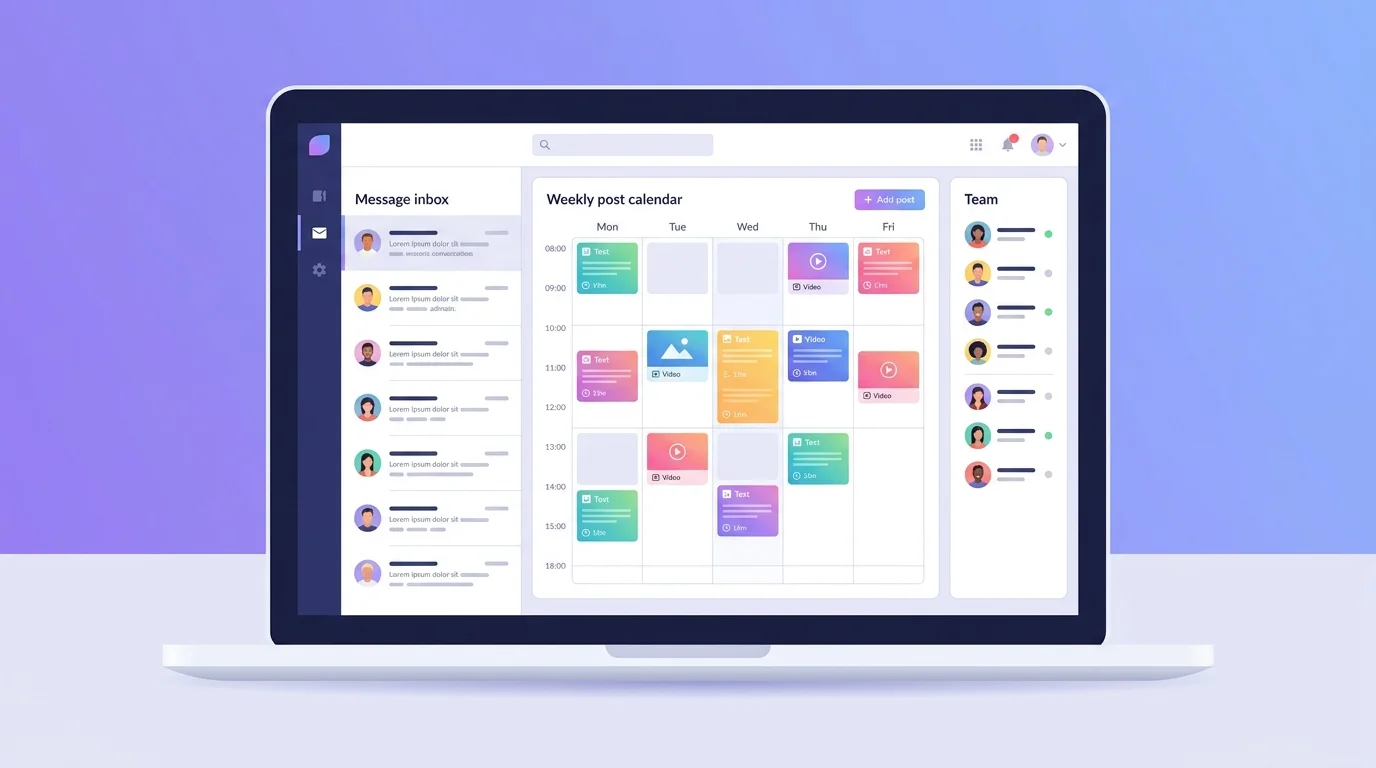
Running a Facebook Page sounds simple until messages, posts, designs and team members pile up. A good Facebook Page management tool puts those jobs in one place so nothing gets missed.
This guide explains what a Facebook Page management tool does, which features matter for a small business, and how to choose one without overpaying.
What a Facebook Page management tool actually does
Facebook gives every Page owner basic tools for free. A Facebook Page management tool adds the pieces that save time once your Page gets busy: a shared inbox, scheduled posts, automatic replies and teamwork features.
Meta's own free option is Meta Business Suite. For a single owner with a few messages a day, it may be all you need. A separate tool starts to make sense when you want more automation, a built-in design tool, or one workspace for a whole team.
Five jobs every Page owner has
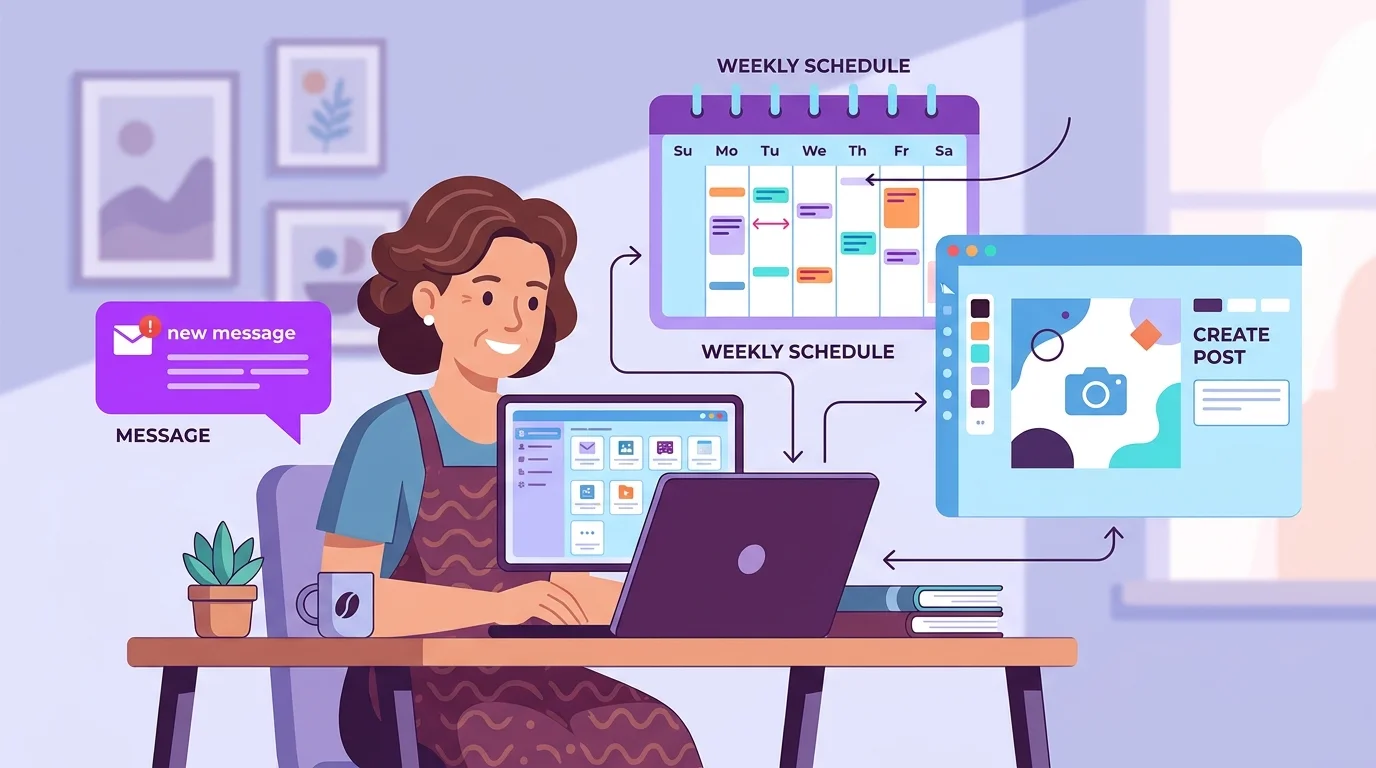
Almost every Page owner repeats the same five jobs each week:
Answer messages. Customers ask about price, delivery and availability, often late at night.
Publish posts. A steady rhythm matters more than posting a lot on one day.
Design pictures. Every post needs a graphic that looks like your brand.
Work with others. A teammate, a designer or a family member often helps.
Stay on top of it. You need to know what was answered and what is still waiting.
A tool is worth paying for only if it makes at least two or three of these jobs clearly easier.
Features to look for in a Facebook Page management tool
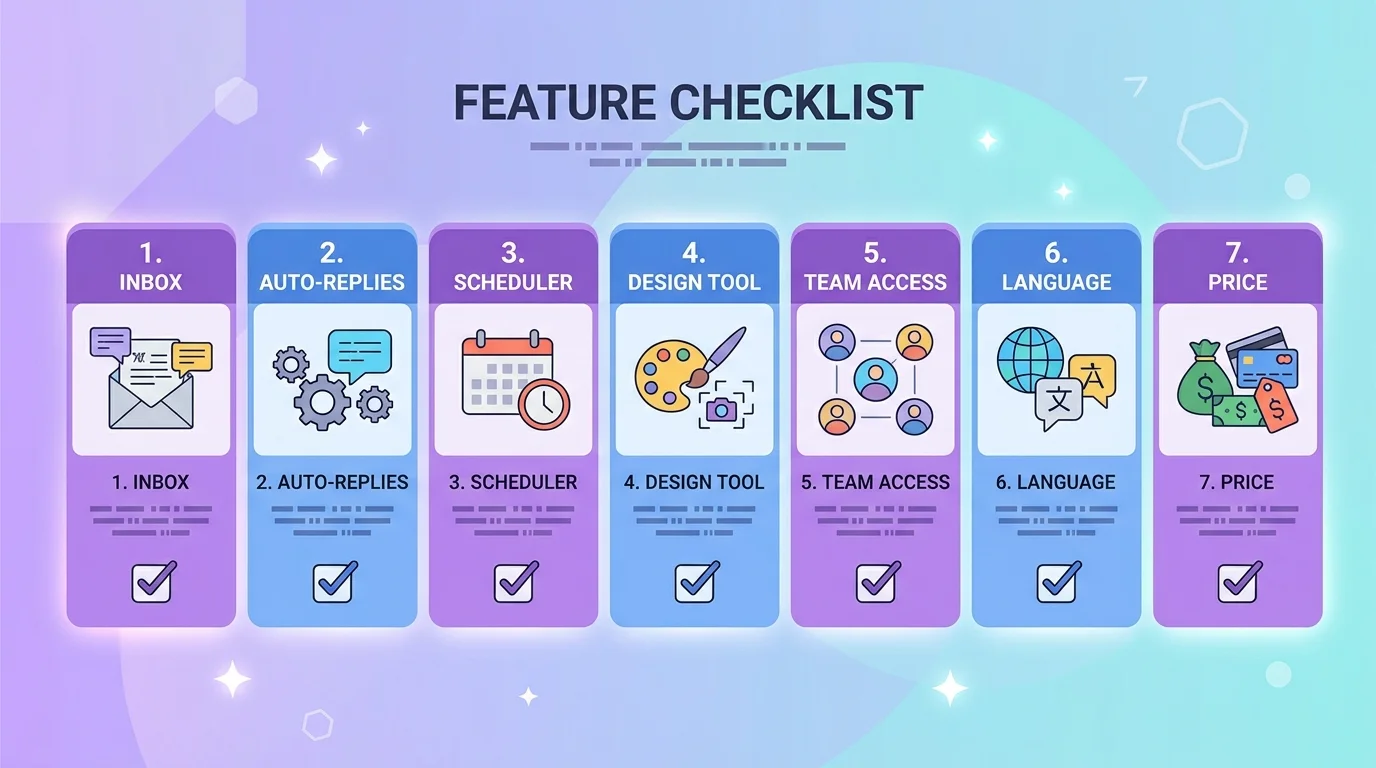
Use this list when you compare tools.
A shared inbox. All Page messages in one place, so a customer is never missed or answered twice.
Automatic replies. Instant answers to routine questions, with a way for a person to take over.
A post scheduler. Write once, pick the date and time, and let the tool publish.
A design tool. Making the picture in the same place saves exporting and uploading files.
Team access. Shared work, with the ability to hand a conversation to the right person.
Language support. If your customers write in Bangla, check that replies work in Bangla too.
A fair price. Check what is limited on each plan before you commit.
A 15-minute daily routine for your Facebook Page
Tools help, but a small routine matters more. This works for most small businesses:
Morning, 5 minutes. Open your inbox and answer anything waiting.
Midday, 5 minutes. Check comments and reply to questions.
Evening, 5 minutes. Look at what was posted and what is scheduled for tomorrow.
Once a week, take an hour to plan the next seven days of posts. Our guide to a Facebook post scheduler shows how to do that in one sitting.
Mistakes that waste time and money
Paying for a big plan before you know which features you will use
Automating every reply, including complaints that need a person
Posting at random times instead of checking your Page insights
Letting several people reply from different places with no shared view
If automatic replies interest you, read our practical guide to Facebook Messenger auto reply before you switch anything on.
How Inbylo works as a Facebook Page management tool
Inbylo is built for Facebook Page owners, small businesses and agencies. Today it focuses on Facebook Pages.
A Facebook Page inbox keeps Messenger conversations in one place.
AI auto reply answers common questions in Bangla and English.
A content scheduler publishes your posts at the time you choose.
A built-in design studio helps you create the graphic without leaving the app.
Team workspace features let you share work and hand conversations to teammates.
You can start on the free plan and move up only when you need more Pages. Check the plans and pricing, or read the page made for Facebook Page owners.
Frequently asked questions
Do I need a Facebook Page management tool if I have only one Page?
Not always. If you get a few messages a day and post a few times a week, Facebook's free tools may be enough. A separate tool helps when messages or team members start to pile up.
What is the difference between a Page management tool and Meta Business Suite?
Meta Business Suite is Meta's own free tool. Other tools add extras such as AI auto replies, a built-in design studio and team workflows. Compare what you actually need.
Is it safe to connect my Page to a tool?
Connect only through Facebook's official login and permissions screen, and give access only to the Pages you want to manage. You can remove access at any time from your Facebook settings.
Can I try a tool before paying?
Look for a free plan or a trial. Inbylo has a free plan that covers one Facebook Page, so you can test it with your real Page first.
The best Facebook Page management tool is the one that fits your real week. Start with your five jobs, pick a tool that makes two or three of them easier, and keep a small daily routine.