Automatic Reply on Facebook Page: A Simple Setup Guide
11/17/2026
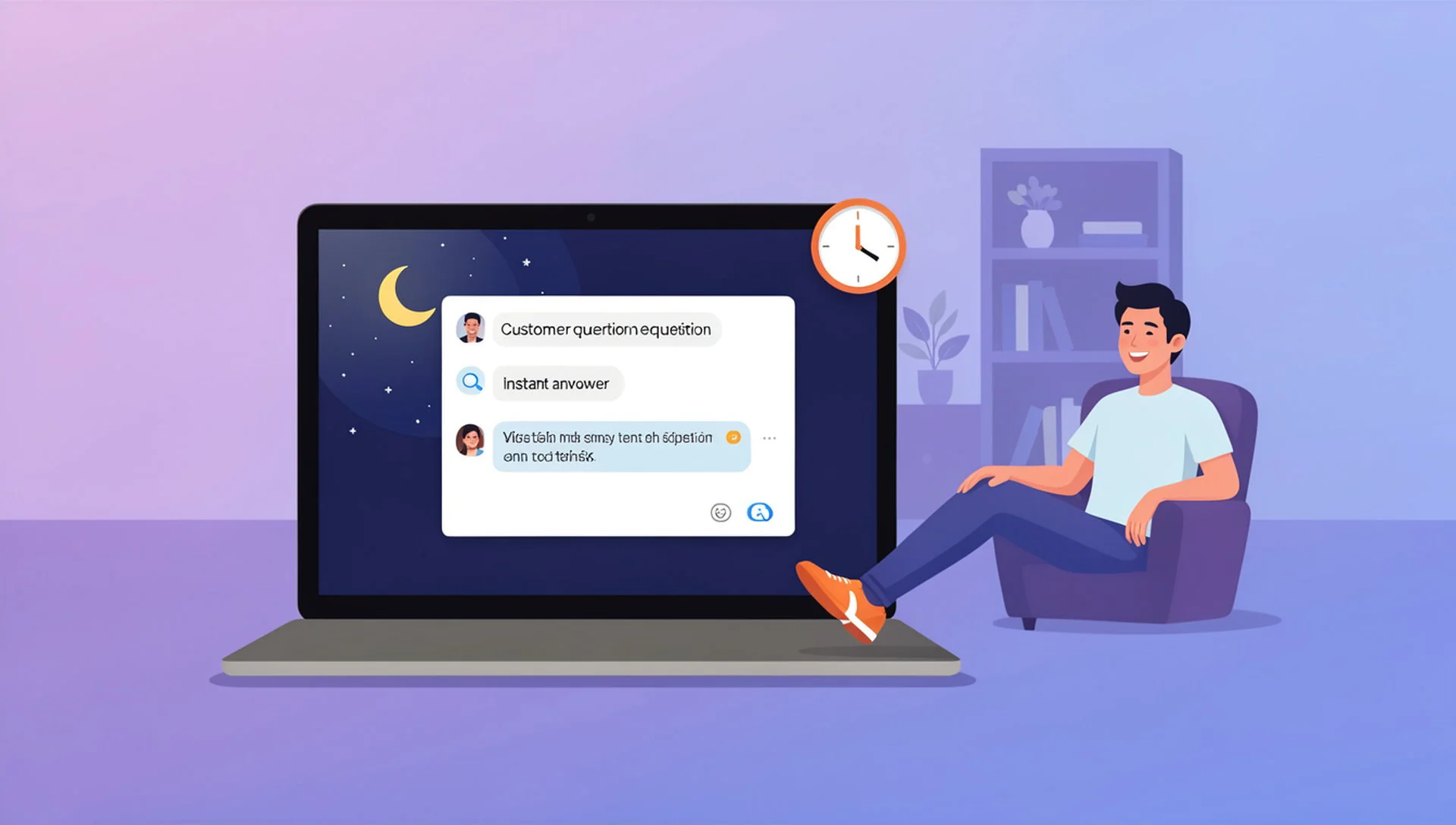
Every Page owner knows the feeling: a customer sends a message at night, and by the time you answer, they have moved on. Setting up an automatic reply on Facebook Page messages is the simplest way to stop that from happening, because the customer hears back in seconds instead of hours.
This guide explains the three kinds of automatic replies, how to set them up, what to automate, and what to keep for a real person. It is written for small business owners, online sellers and anyone who manages a Facebook Page without a large support team.
Why an automatic reply on Facebook Page messages matters
People message a business Page when they are ready to ask something: the price, whether an item is in stock, or when delivery will arrive. These are buying questions, and the first business to answer often gets the order.
A quick answer also sets the tone. Even a short "thanks, we will get back to you soon" tells the customer that someone is there. Silence tells them the opposite.
Automatic replies do not replace you. They cover the gap between "message received" and "human available", and they handle the questions that repeat every single day.
Three types of automatic replies
Not all automatic replies are the same. Most Pages end up using a mix of the following three.
1. Instant reply
An instant reply is a fixed message sent as soon as someone writes to your Page. It usually thanks the customer and sets expectations, for example how long you normally take to respond.
2. Away message
An away message is sent when you are outside your working hours. It is useful for telling customers when you will be back and where they can find basic information in the meantime.
3. AI reply
An AI reply reads the customer's actual question and writes an answer using the business information you provide, such as prices, delivery areas and opening hours. It is much more useful than a fixed text, because the customer gets an answer to what they asked, not a generic greeting.

Meta's own tools, such as Meta Business Suite, let you set up instant replies and away messages for your Page. Menus and names change from time to time, so check the current steps in the Meta Business Help Center.
How to set up an automatic reply on Facebook Page
The exact buttons depend on the tool you use, but the process is almost always the same.
Write down your five most repeated customer questions. Look at your last few weeks of messages to find them.
Write a clear, short answer for each one. Include the real price range, delivery time, location and working hours.
Choose the type of reply: a fixed instant reply for a first greeting, an away message for off hours, or an AI reply for real questions.
Test it yourself. Message your own Page from another account and read the reply as a customer would.
Turn it on for those few questions only. Add more once you trust the results.
If you want to go deeper on the messaging side, read our Facebook Messenger auto reply guide, which covers what to automate and what to keep human in more detail.
What to automate and what to keep human
A good rule is to automate questions that have one correct answer, and keep conversations that need judgement for a person.
Good candidates for automation:
Price, size and availability questions
Opening hours and location
Delivery areas and delivery time
How to place an order
Payment methods you accept
Keep these for a real person:
Complaints and angry messages
Refunds and exchanges
Custom or bulk orders
Anything involving a private or sensitive situation
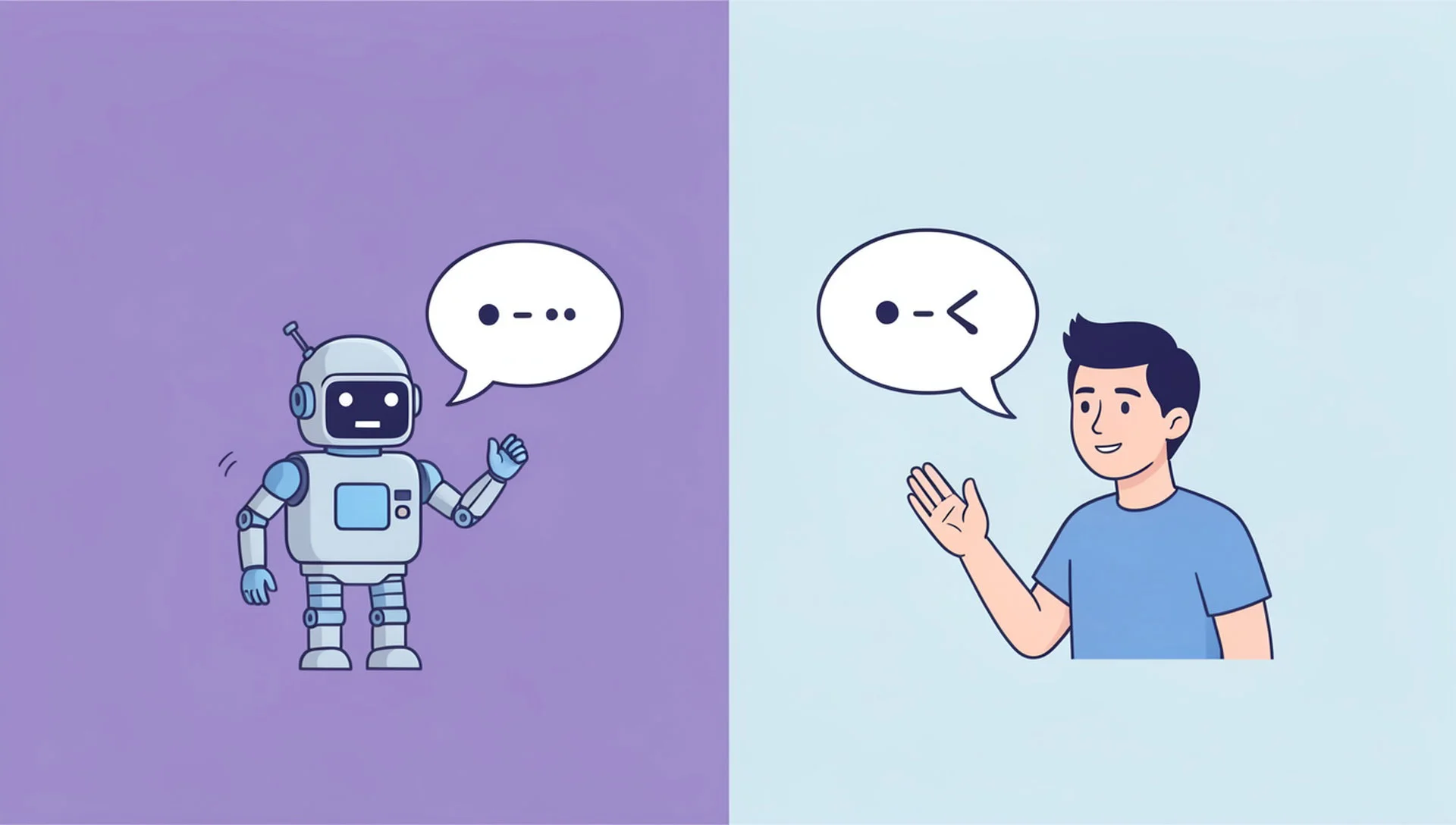
A bot that confidently answers a complaint with the wrong information does more harm than no reply at all. When in doubt, the automatic reply should hand the conversation to your team.
Mistakes that make automatic replies feel cold
Customers can tell when a reply is careless. Avoid these common mistakes.
Replying with the same long text every time. Keep replies short and answer the actual question.
Pretending to be a named person. Honest, helpful replies build more trust than a perfect imitation of a human.
Never checking the replies. Read a sample of real conversations every week and fix anything that sounds wrong.
No way to reach a human. Always make it easy for the customer to say "I want to talk to a person".
Outdated information. If your prices or hours change, update the replies the same day.
Using AI for an automatic reply on Facebook Page messages with Inbylo
Inbylo is a social media management app built for Facebook Pages. It brings your Page messages into one shared inbox, so your whole team can see and answer them in one place.
Its AI auto reply answers Facebook Messenger messages using the business information you give it, in Bangla and English, including outside your working hours. When a conversation needs a person, your team can step in from the same inbox and assign the chat to a teammate.
Inbylo also includes a post scheduler and a design studio, so you can plan your Facebook content and reply to customers from one app. You can start on the free plan and see how it works for your Page. To understand how a shared inbox helps a team, read our guide to the Facebook Page inbox, or see how an auto reply bot works and what it should not handle alone.
Frequently asked questions
Can I set an automatic reply on Facebook Page messages for free?
Yes. Facebook's own tools let you set basic instant replies and away messages at no cost. For AI answers that respond to the actual question, you can use a tool such as Inbylo, which has a free plan.
Will customers know the reply is automatic?
You do not need to announce it in every message, but never pretend an automated reply is a named staff member. Short, honest and helpful replies build trust.
Does an automatic reply work when I am offline?
Yes. That is one of the biggest benefits. Automatic replies work at any hour, so customers who message at night still hear back right away.
What should I set up first?
Pick your five most repeated questions, write clear answers, test them yourself, and switch on automation for those only. Expand once you trust the replies.
Can an automatic reply handle complaints?
It should not handle them alone. Use it to acknowledge the message and pass the conversation to a person who can solve the problem.
An automatic reply on Facebook Page messages will not replace good customer service, but it makes sure no customer is left waiting in silence. Start small, automate the repetitive questions, and keep the human touch where it counts.