Facebook Auto Reply Bot: How It Works and How to Use It Safely
11/17/2026
A Facebook auto reply bot answers your customers' messages for you, even when you are asleep or busy. Used well, it saves hours and keeps customers happy. Used badly, it frustrates people and makes your Page look careless. This guide explains how a Facebook auto reply bot works, what it can and cannot do, and how to set one up safely.
What is a Facebook auto reply bot?
A Facebook auto reply bot is software that reads messages sent to your Facebook Page and sends an answer automatically. Some bots follow fixed rules, such as sending your opening hours when a customer types a certain word. Newer bots use AI to understand the question and write a natural reply.
Facebook also offers simple built-in automated responses through Meta Business Suite, such as an instant greeting or an away message. A separate bot goes further, because it can answer specific questions instead of sending one fixed message.
Rule-based bots and AI bots
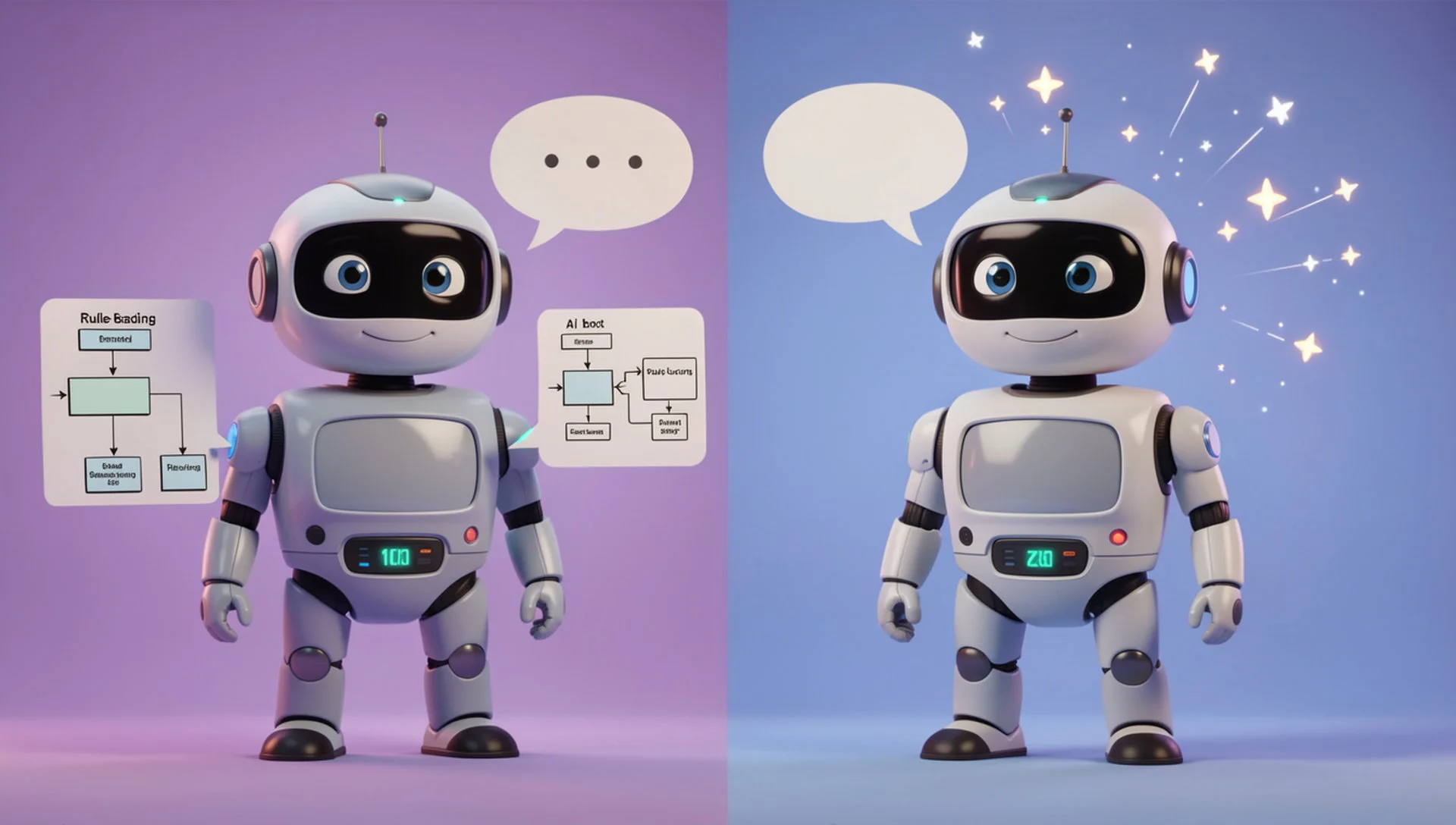
There are two main kinds of bot, and the difference matters:
Rule-based bots. They match words or buttons and send a fixed answer. They are predictable, but they fail when a customer writes in an unexpected way.
AI bots. They understand the meaning of a message and write a reply from the information you give them. They handle different wording better, but you must check their answers.
For a small business, an AI bot usually feels more natural, especially if customers write in Bangla, English or a mix of both. Whichever type you choose, the information you give the bot decides how good its answers are.
What a Facebook auto reply bot is good at
Repeated questions. Price, address, opening hours, delivery area and stock.
Replies outside working hours. A customer who writes at night still gets an answer.
Fast first replies. Many customers message two or three Pages and buy from the one that answers first.
Sorting messages. Simple questions are answered, and the harder ones wait for you.
What a bot should not handle alone
Some messages need a real person. Do not leave these to a bot:
Complaints and angry customers
Refunds, payment problems and special orders
Questions where a wrong answer could cost money or trust
Anything the bot clearly does not understand
A good setup answers the easy questions and hands everything else to your team quickly.
How to set up a Facebook auto reply bot safely
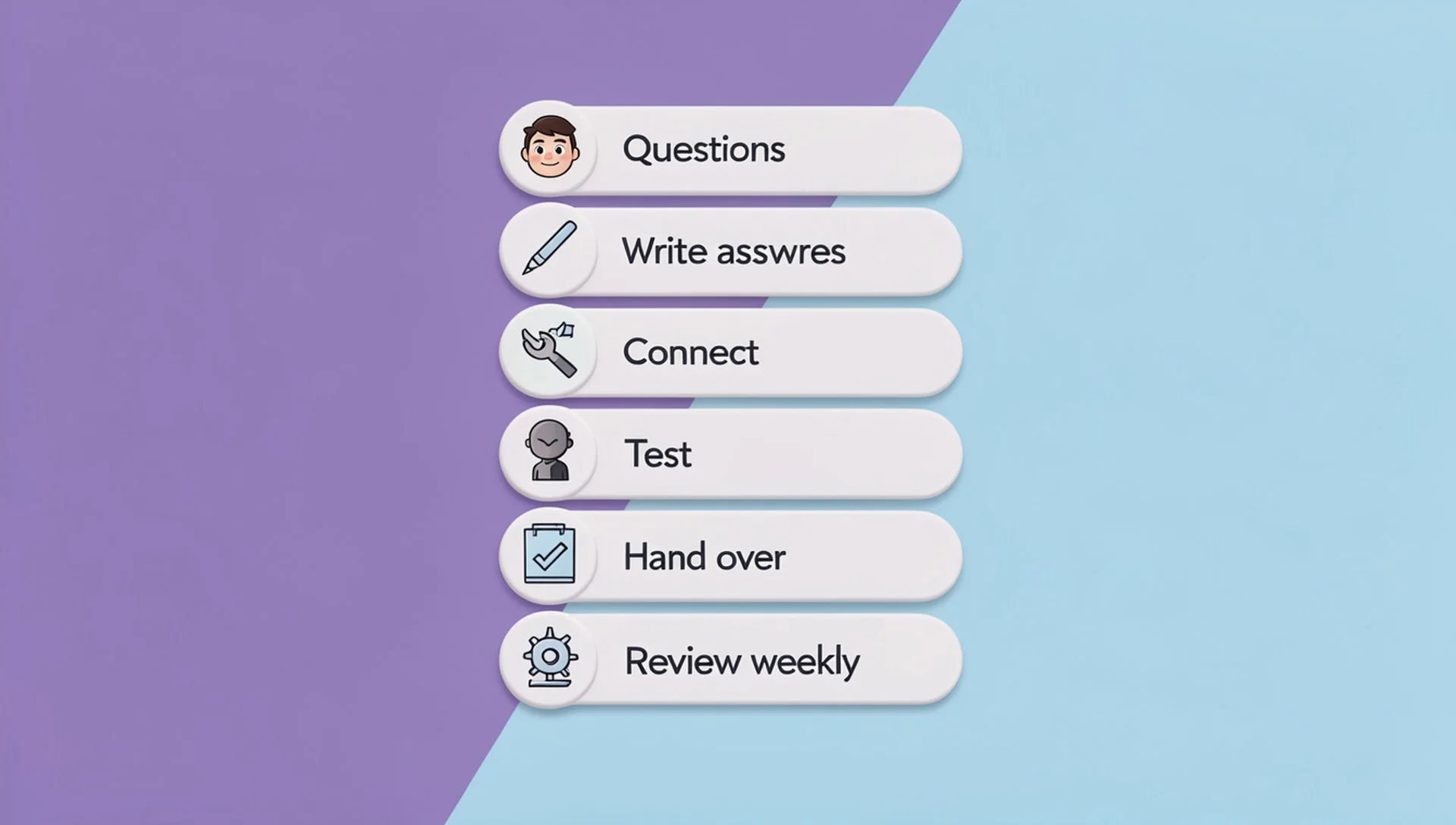
List your top questions. Look at your last 30 conversations and write down what people ask most.
Write true, simple answers. Include prices, hours, address and delivery details, and keep them up to date.
Connect through Facebook's official login. Give access only to the Pages you want to manage.
Test with your own messages. Ask the bot ten real questions before customers do.
Decide when a person takes over. Choose which kinds of messages go straight to your team.
Review the conversations weekly. Fix wrong answers and add new ones.
Facebook also has rules about when a Page may message a person. Check Meta's current messaging policy so your bot stays inside them. For a wider guide to this topic, read our practical guide to Facebook Messenger auto reply.
Mistakes to avoid
Letting the bot guess prices or stock instead of giving it real information
Sending the same reply to everyone, including unhappy customers
Never reading what the bot actually said
Making it hard to reach a real person
Pretending the bot is a human
Customers accept a bot when it is quick and useful. They get upset when it blocks them from getting real help.
Where the bot fits in your daily work
A bot is one part of a good routine, not a replacement for it. Messages that the bot cannot answer should land in an inbox your whole team can see. Our guide to the Facebook Page inbox shows how to keep that inbox under control, and our guide to a Facebook Page management tool explains the other jobs that fill a Page owner's week.
How Inbylo handles automatic replies
Inbylo is built for Facebook Page owners, small businesses and agencies. Today it focuses on Facebook Pages.
AI auto reply answers common questions in Bangla and English.
A unified inbox keeps all Page messages in one place, so nothing is lost when the bot cannot answer.
Team collaboration lets you share the workspace and assign conversations to a teammate.
The free plan covers 1 Facebook Page, so you can try it with your real Page first. See the full pricing when you are ready to grow.
Frequently asked questions
Is a Facebook auto reply bot allowed?
Yes, when it connects through Facebook's official permissions and follows Meta's messaging rules. Always check Meta's current policy, because the rules can change.
Will customers know they are talking to a bot?
Be honest about it. A short line such as "this is an automatic reply, a team member will follow up" builds trust and sets the right expectation.
Can a bot reply in Bangla?
Some can. AI bots usually handle Bangla, English and mixed messages better than rule-based bots. Test with real customer messages before you rely on it.
Do I still need to check my inbox?
Yes. A bot answers the easy questions, but complaints, orders and unusual questions still need a person. Check the inbox at fixed times each day.
The best Facebook auto reply bot is fast on simple questions, honest about being automatic, and quick to hand over to a real person.