Social Media Management Tool for Multiple Pages: A Practical Guide
11/16/2026

Managing one Facebook Page is easy. Managing five, ten or twenty is harder, and the right social media management tool for multiple pages makes the difference. Messages arrive in different places, posts go out on different days, and it is easy to reply from the wrong Page or forget one completely.
This guide explains what to look for in a social media management tool for multiple pages, who needs one, and how to keep many Pages under control without extra stress.
Who needs a tool for multiple Pages?
Three kinds of people usually end up managing many Pages:
Agencies and freelancers who run Pages for several clients.
Owners of more than one business, such as a shop, a restaurant and a service brand.
Brands with many locations, where each branch has its own Page.
If that sounds like you, the Facebook free tools can feel slow, because you keep switching between Pages. A tool built for many Pages puts the work in one place. If you only run a single Page, start with our guide to a Facebook Page management tool instead.
Meta’s free Meta Business Suite works well for a small number of Pages. When you add more Pages, clients and team members, a dedicated tool usually saves more time than switching between accounts, and it keeps every brand’s work in its own place.

Features to look for in a social media management tool for multiple pages
Some features are nice with one Page and essential with many. Look for these first:
One shared inbox. Every Page's messages in a single list, with the Page name shown clearly so you never reply as the wrong brand.
Separate workspaces. Each client or business stays in its own space, so their data never mixes with another.
Scheduling across Pages. Plan a week of posts for every Page in one sitting. Our Facebook post scheduler guide shows the routine.
Review before posts go live. A teammate or a client can check a post first, which prevents costly mistakes.
Team access and hand-off. Different people handle different Pages, and a conversation can be passed to the right person.
A design tool. Making pictures in the same place saves time across many brands.
Clear pricing per Page. Check how many Pages each plan includes, because that is where costs grow.
How to keep many Pages organized
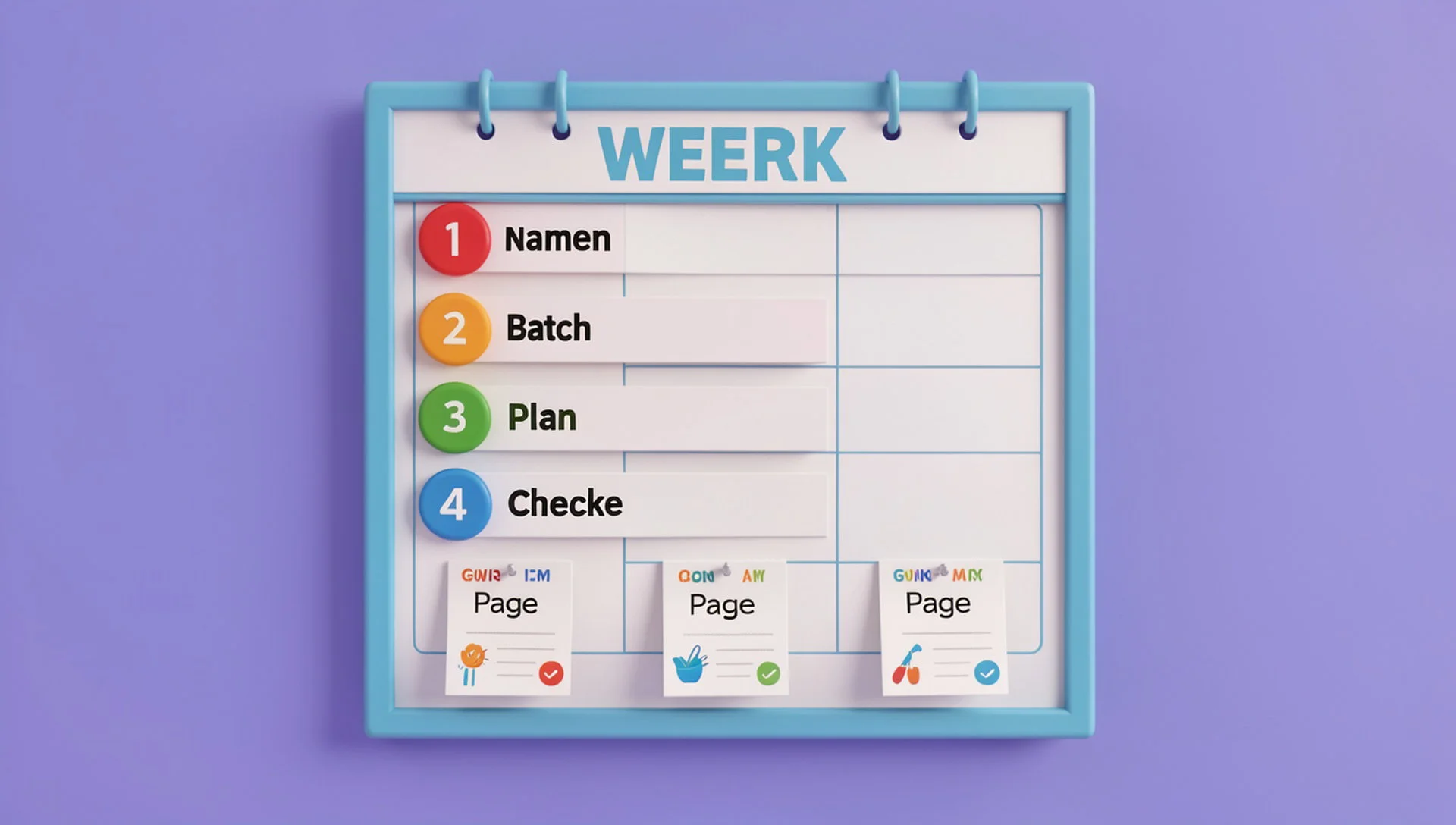
A tool helps, but a simple system helps more. Try this:
Name things clearly. Use one naming style for Pages, workspaces and drafts.
Batch your work. Answer messages for all Pages at set times instead of all day.
Plan weekly. Schedule every Page's posts for the next seven days in one session.
Use approval for clients. Send posts for review before they publish.
Check the inbox last thing. Make sure no Page has an unanswered message overnight.
Start small if the work feels heavy. Connect your most active Pages first, set up the shared inbox, and learn the weekly routine on those. Once it feels natural, add the remaining Pages one by one. This keeps the team calm, avoids mistakes with the wrong brand, and makes it easier to see which Pages need the most attention each week.
Common mistakes with multiple Pages
Using one login and one shared password for every client
Posting the same content on every Page without adjusting it
Turning on automatic replies for all Pages with the same text
Paying for a plan with far more Pages than you need
If you plan to use automatic replies, read our practical guide to Facebook Messenger auto reply first, and write a different reply for each brand.
How Inbylo handles multiple Facebook Pages
Inbylo is built for Facebook Page owners, small businesses and agencies. Today it focuses on Facebook Pages.
A shared Facebook inbox brings Page messages into one place.
Multiple client workspaces keep each business separate.
A content scheduler plans posts ahead.
Posts can be reviewed before they go live.
Team collaboration lets you share work and assign conversations.
A design studio is built in.
The free plan covers 1 Facebook Page. The Single plan is $12 a month for 3 Pages, and the Business plan is $29 a month for 10 Pages per workspace. See the full pricing, or compare Inbylo with other tools on the compare page.
Frequently asked questions
How many Facebook Pages can one tool manage?
It depends on the plan. Check the Page limit before you buy. On Inbylo, the free plan covers 1 Page, Single covers 3 and Business covers 10 per workspace.
Can I keep each client's Pages separate?
Yes, if the tool has separate workspaces. This keeps each client's Pages, messages and posts apart, which is safer and easier to report on.
Can my team help manage the Pages?
Look for team access and the ability to assign conversations. That way each person handles the right Pages and nothing is answered twice.
Can clients approve posts before they go live?
Some tools allow a review step before publishing. Inbylo supports review before posts go live, which helps agencies avoid mistakes.
In short: pick a tool with a shared inbox, separate workspaces and a fair price per Page, then build a simple weekly routine.