Social Media Management Software for Agencies: What to Look For
11/16/2026

Running social media for clients is a different job from running your own Page. You handle many brands, many messages, many posts and many people who all want to see results. The right social media management software for agencies keeps that work organized, so clients stay happy and your team does not burn out.
This guide explains what agencies need from social media software, which features matter most, and how to choose a tool without paying for things you will never use.
Why agencies need different software
A single business owner can get by with a free tool and a simple routine. An agency cannot. When you manage several clients, small problems become big ones very quickly:
A message for one client is answered from the wrong Page.
A post goes live before the client has approved it.
One teammate leaves and nobody knows which Pages they were handling.
Client data mixes together, which is both messy and risky.
Software built for agencies solves these problems with separate workspaces, shared team access and a clear review step before anything is published.

Features to look for in social media management software for agencies
Use this list when you compare tools. Not every agency needs every item, but the first four matter for almost everyone.
Separate client workspaces. Each client gets their own space, so Pages, messages and posts never mix.
Review before posts go live. A teammate or client can check a post first, which prevents costly mistakes.
A shared inbox. Every message from every Page in one place, with the Page name shown clearly. Our guide to the Facebook Page inbox explains why this matters.
Team access and hand-off. Different people handle different clients, and a conversation can be assigned to the right person.
A post scheduler. Plan a full week of posts for every client in one sitting.
A built-in design tool. Making pictures in the same place saves a lot of time across many brands.
Clear pricing per Page. Agency costs grow with the number of Pages, so check the limits carefully.
How agencies can stay organized
Software helps, but a simple system helps more. These habits work for most small agencies:
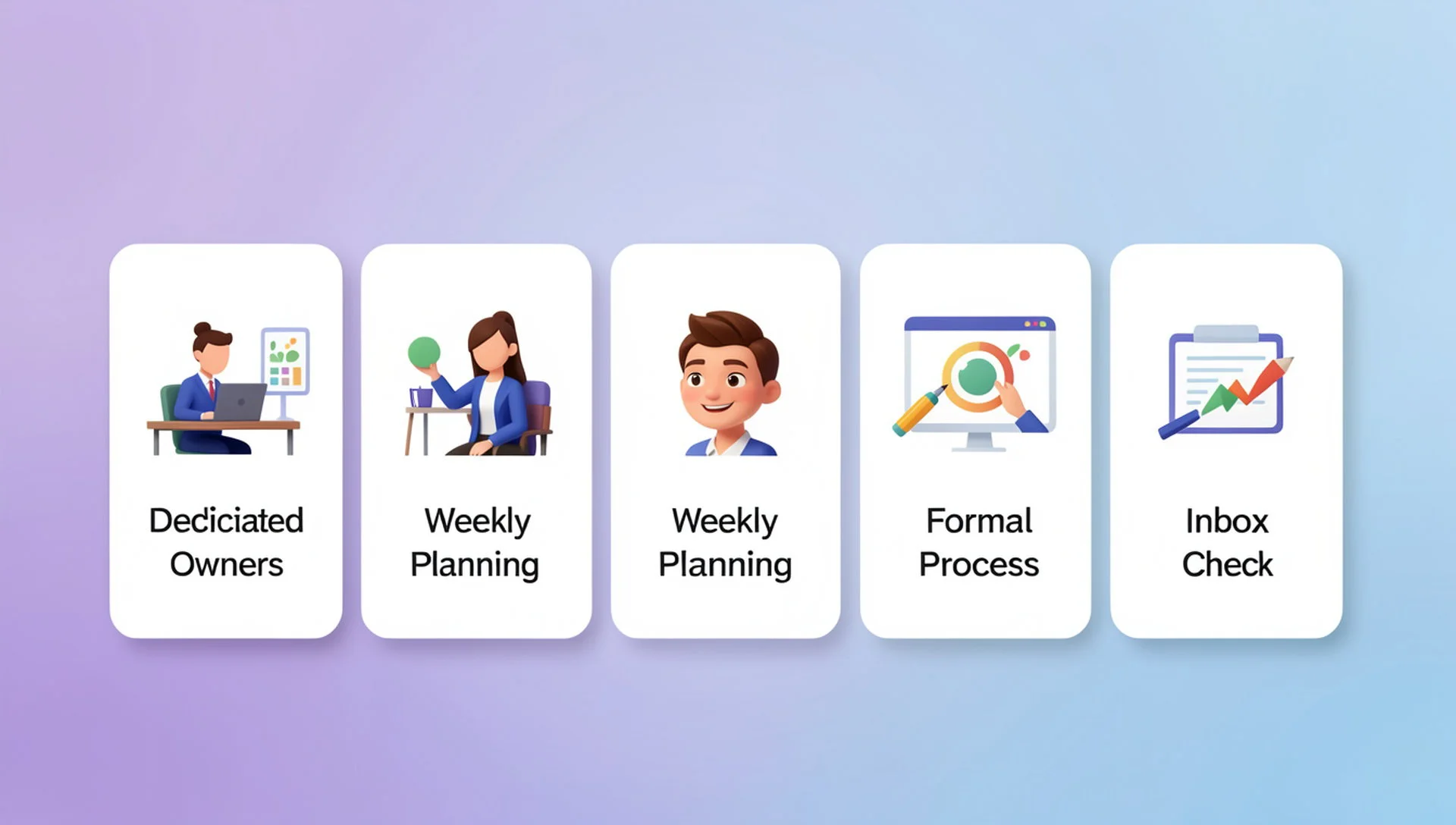
One workspace per client. Keep every client separate from day one.
Clear owners. Every client and every conversation has one named person responsible.
A weekly planning session. Schedule next week's posts for all clients together. Our Facebook post scheduler guide shows how.
An approval habit. Send posts for review before they publish, especially for new clients.
A daily inbox check. Make sure no client has an unanswered message overnight.
Mistakes agencies make with social media tools
Sharing one login and one password across all clients
Posting the same content on every client's Page without adjusting it
Using the same automatic reply for different brands
Choosing a tool built for large enterprises and paying for features the team never opens
If you plan to use automatic replies, read our practical guide to Facebook Messenger auto reply first, and write a different reply for each brand.
Choosing the right tool for your agency
Before you pay for anything, answer three simple questions. How many client Pages do you manage today, and how many will you manage in a year? How many people on your team need access? And which jobs eat the most time each week?
Then try a free plan with one real client Page. Meta's own free Meta Business Suite is a good baseline to compare against, because it shows what you already get for free. If you want a wider view of the market, see our comparison page, and for a deeper look at handling many Pages read our guide to a social media management tool for multiple pages.
How Inbylo works for agencies
Inbylo is built for Facebook Page owners, small businesses and agencies. Today it focuses on Facebook Pages.
Multiple client workspaces keep every business separate.
Posts can be reviewed before they go live.
A unified inbox brings Page messages into one place.
Team collaboration lets you share the workspace and assign conversations to teammates.
A content scheduler plans posts ahead for every client.
A design studio is built in.
AI auto reply answers common questions in Bangla and English.
The free plan covers 1 Facebook Page, so you can test with one client first. The Business plan is $29 a month for 10 Pages per workspace. See the full pricing before you decide.
Frequently asked questions
What is the best social media management software for agencies?
There is no single best tool. The best one is the tool that keeps clients separate, lets your team share work, and fits your budget per Page. Test a free plan with one client before you commit.
Can I keep each client's Pages separate?
Yes, if the tool has separate workspaces. This keeps each client's Pages, messages and posts apart, which is safer and easier to manage.
Can clients approve posts before they go live?
Some tools include a review step before publishing. Inbylo supports review before posts go live, which helps agencies avoid mistakes.
How much does agency software cost?
Prices vary widely. Look at the number of Pages included in each plan, because that is where agency costs grow. Inbylo's Business plan covers 10 Pages per workspace for $29 a month.
The best social media management software for agencies is simple, keeps every client separate and gives your whole team one clear place to work.