Social Media Management Software for Small Business: How to Choose
11/16/2026
Most small business owners do not have a marketing team. You answer customers, post updates, make pictures and run the shop, all in the same day. The right social media management software for small business can take a big part of that work off your hands, but only if you choose one that fits how you actually work.
This guide explains what social media management software does, which features a small business really needs, and how to choose without overpaying.
What social media management software does
Social media management software puts the daily jobs of your Pages in one place. Instead of jumping between apps, you answer messages, schedule posts and design pictures from a single dashboard.
Platforms also offer free tools of their own. For Facebook, that is Meta Business Suite. Free tools are a good start. Paid software becomes worth it when you want automation, a built-in design tool, or a shared workspace for your team.
What a small business really needs
Big companies need reports, approvals and dozens of integrations. A small business usually needs far less. Most owners need to do four things well:
Reply to customers quickly. A fast answer is often the difference between a sale and a lost customer.
Post regularly. A steady rhythm beats a burst of posts followed by silence.
Make good-looking pictures. Every post needs a graphic that looks like your brand.
Share the work. A family member, employee or helper should be able to pitch in.
If a tool does not make at least two of these easier, it is not the right tool for you yet.
Features to look for in social media management software for small business
A shared inbox. All customer messages in one list. Read more in our guide to the Facebook Page inbox.
A post scheduler. Write once, choose the time and let the tool publish. See our Facebook post scheduler guide.
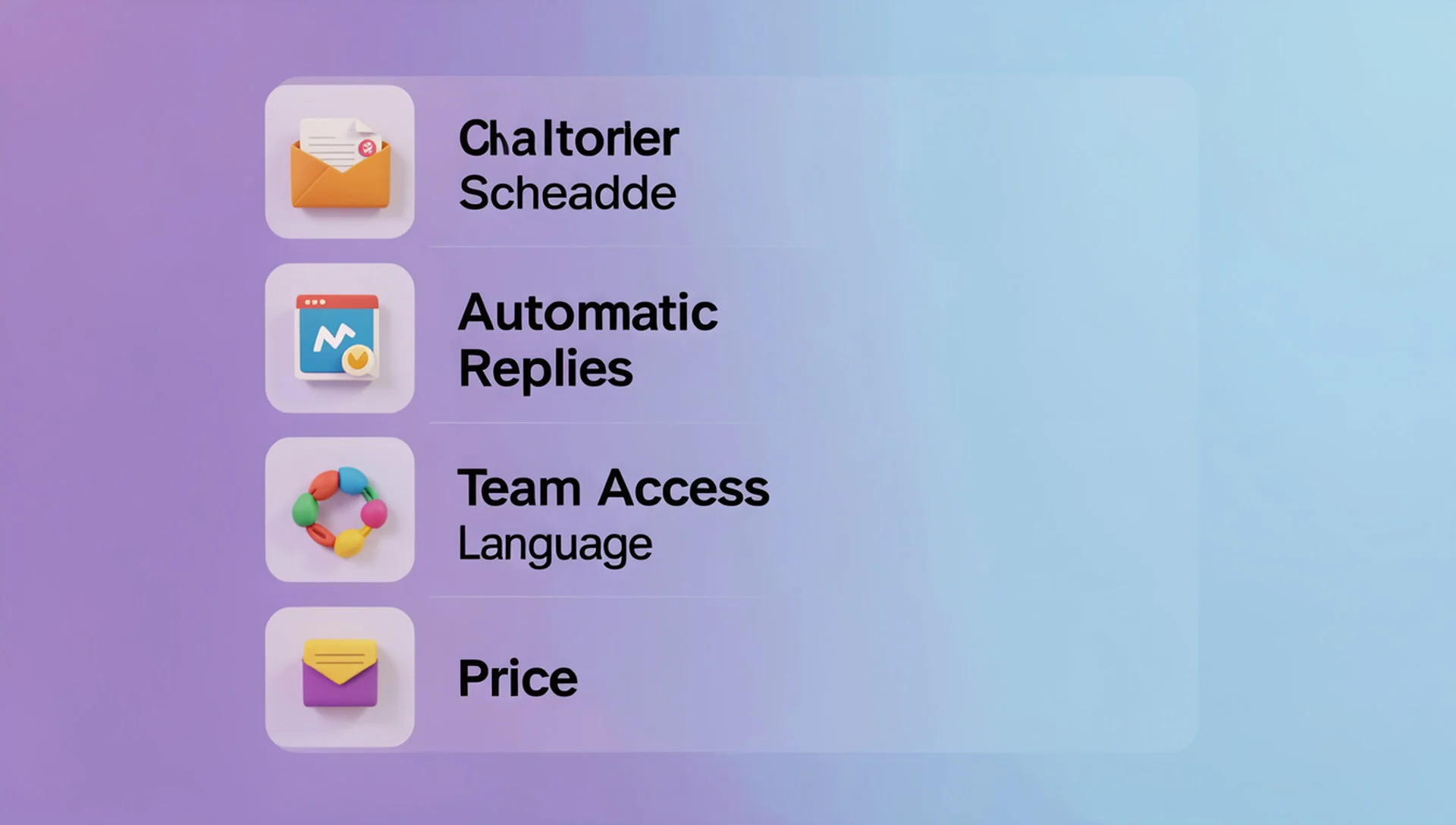
Automatic replies. Instant answers to routine questions, with a person ready to take over. Start with our guide to Facebook Messenger auto reply.
A built-in design tool. Creating pictures in the same place saves time.
Team access. Simple sharing so more than one person can help.
Your language. If customers write in Bangla, replies should work in Bangla too.
A price you can afford. Small business tools should not cost as much as an agency platform.
How to choose the right tool
Use this short process before you pay for anything:
List your weekly jobs. Write down what you do for your Pages in a normal week.
Mark the slowest jobs. These are the ones software should speed up.
Try a free plan first. Test the tool with your real Page before you upgrade.
Check the limits. Look at how many Pages, users and messages each plan allows.
Compare two or three options. Our comparison page shows how Inbylo differs from other tools.
If you run several Pages, our guide to a social media management tool for multiple pages covers what changes when the number of Pages grows.
Mistakes small businesses make
Paying for a big plan with features you never use
Picking a tool because it is popular, not because it fits your week
Automating every reply, including complaints that need a real person
Posting more often without a plan, which lowers quality
A small tool used every day is worth more than a powerful tool you open once a month.
How Inbylo helps small businesses
Inbylo is built for Facebook Page owners, small businesses and agencies. Today it focuses on Facebook Pages.
A unified inbox keeps Page messages in one place.
AI auto reply answers common questions in Bangla and English.
A content scheduler publishes posts at the time you choose.
A design studio is built in, so you make pictures without leaving the app.
Team collaboration lets you share work and assign conversations.
The free plan covers 1 Facebook Page, so you can test everything on your real Page first. The Single plan is $12 a month for 3 Pages. See the full pricing.
Frequently asked questions
Do small businesses really need social media management software?
Not always. If you get a few messages a day and post a few times a week, free platform tools may be enough. Software helps when messages, posts and team members start to pile up.
How much does social media management software cost?
Prices vary a lot, from free plans to hundreds of dollars a month. Small businesses should start free, then upgrade only when they hit a real limit.
Can I use it with only one Facebook Page?
Yes. Many tools have a free plan for one Page. Inbylo's free plan covers 1 Facebook Page.
Will automatic replies make my business feel impersonal?
Not if you use them for routine questions only. Keep complaints and complex questions for a real person, and write replies in a friendly tone.
The best social media management software for a small business is the one you will actually use every week: simple, affordable and focused on your real jobs.